

How it works
What the grain does
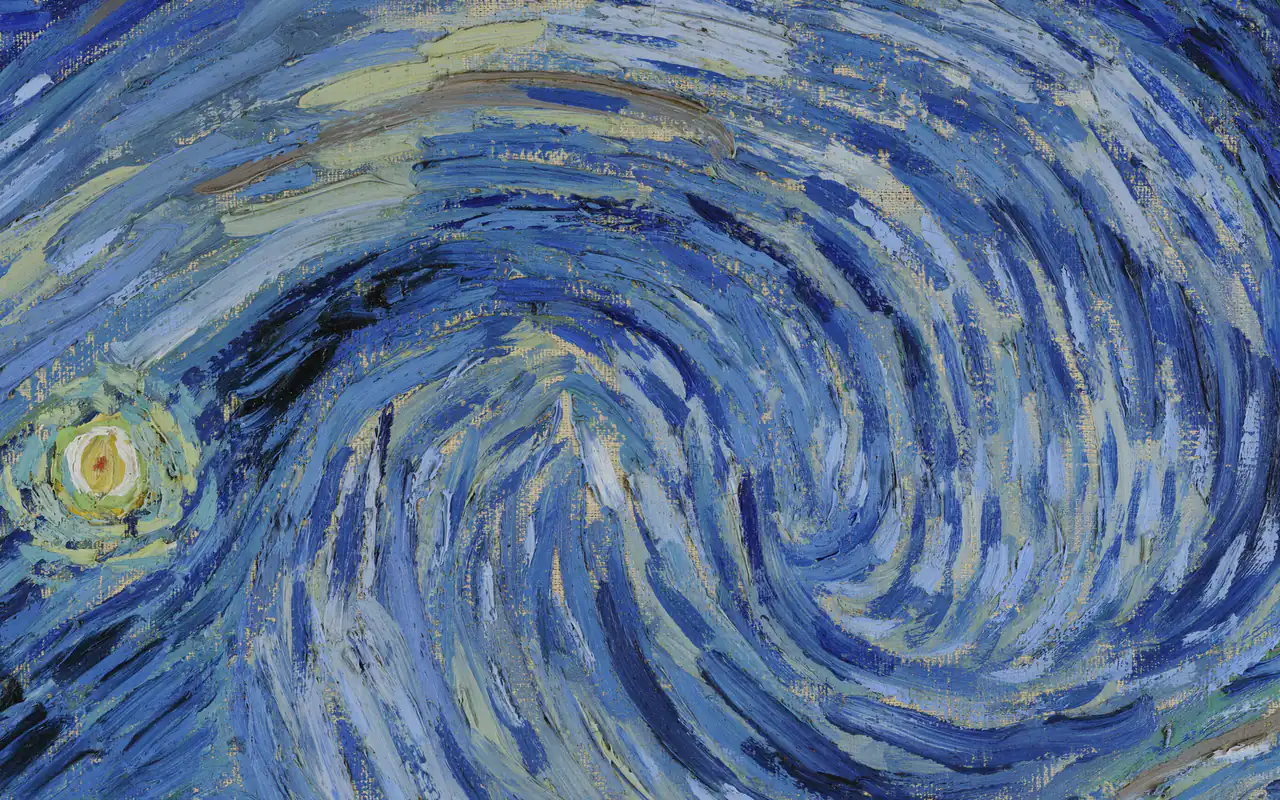
The tool makes a layer of random colour noise the size of your picture and blends it over the artwork in overlay mode at low opacity. The result is a slight texture and colour variation, like paint on canvas or film grain, instead of perfectly flat digital fills.
The default opacity is 2%, the classic trick. Raise it for a rougher look. Grain size makes the noise 1 to 4 times blockier, and New grain draws a fresh random layer.
Classic and intelligent
Classic spreads the same grain everywhere. Intelligent measures how busy each part of the picture is and puts more grain where there is detail and less on flat areas such as sky or skin, where grain is easiest to notice.
Checking the result
The before and after view shows the whole picture, and a detail square shows an 8× magnified 64-pixel patch from both. Drag the square, or focus it and use the arrow keys, to inspect another spot. The download is a PNG at the original pixel size.


