
How it works
Clustering the pixels
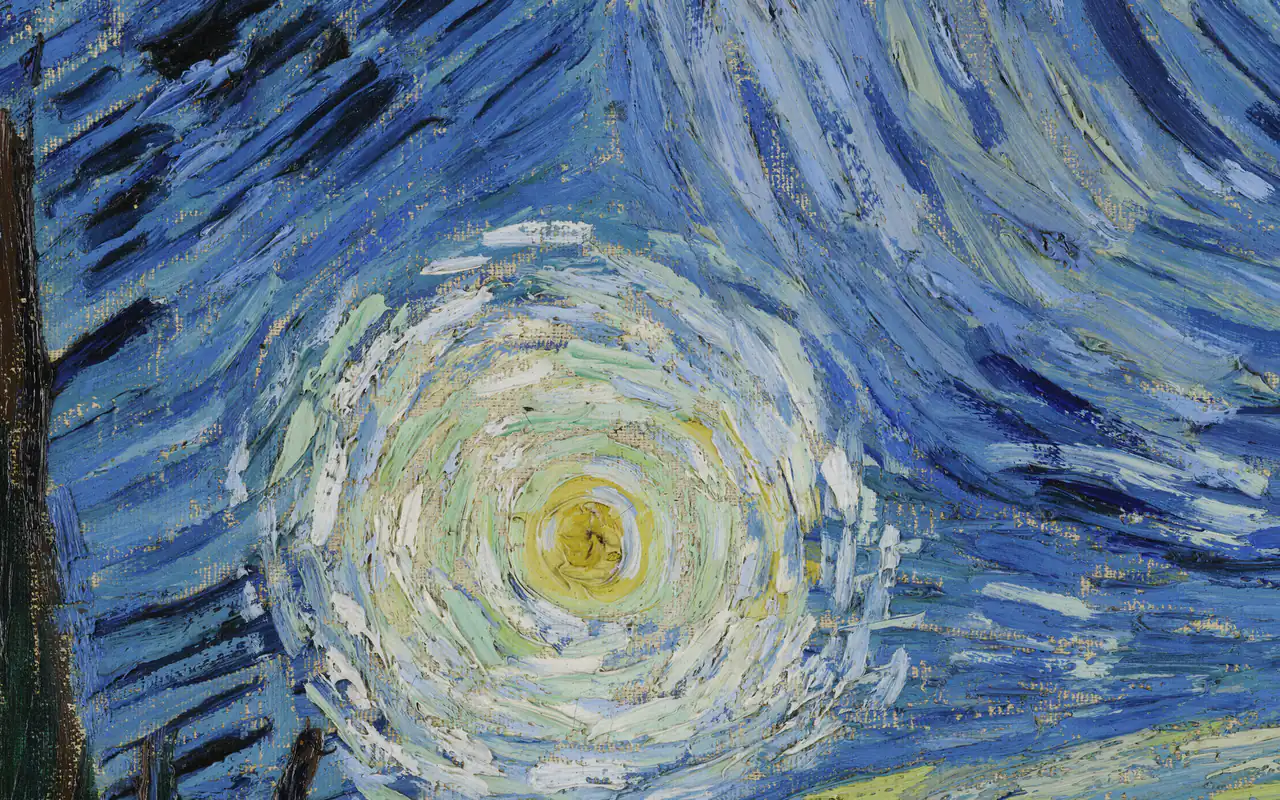
The image is shrunk to at most 150 px on its long edge, and every pixel that is at least half opaque is converted to OKLab. A k-means pass groups them into up to 32 clusters, so similar shades merge and distances match how different colours look.
The strategy then ranks those clusters: most common by pixel count, vivid and muted by chroma, light and dark by lightness, warm and cool by hue, and rare accents by how far a colour sits from the big ones.
Using the palette
Each colour shows its name and a share of the image, measured by the nearest palette colour. Copy CSS variables or JSON, or download the image repainted so every pixel takes its nearest palette colour.