What’s !important #9: clip-path Jigsaws, View Transitions Toolkit, Name-only Containers, and More
This issue of What’s !important brings you clip-path jigsaws, a view transitions toolkit, name-only containers, the usual roundup of new, notable web platform features, and more.
Creating a jigsaw puzzle using clip-path
Amit Sheen demonstrated how to create a full jigsaw puzzle using clip-path. While I doubt that you’ll need to create a jigsaw puzzle anytime soon, Amit’s walkthrough offers a fantastic way to acquaint yourself with this evolving CSS property that’s becoming more and more popular every day.
For example, Chrome Canary shipped rounded clip-path polygons only last week:
I and Jason are currently working on implementing the CSS `polygon() round` keyword in Chrome. This is one of my favorite CSS features! Thanks to @lea.verou.me for bringing it to CSS. Enable the `enable-experimental-web-platform-features` flag in Chrome Canary codepen.io/yisi/pen/NPR…
— yisibl.bsky.social (@yisibl.bsky.social) Apr 9, 2026 at 7:25
And there’s also talk of implementing other corner-shape keywords such as bevel, too.
Finally, since we’re on the topic, and because I somehow completely missed it for What’s !important #8, here’s Karl Koch demonstrating some really neat clip-path animations.
Get clippin’!
View transitions toolkit
The Chrome DevRel team created a view transitions toolkit, a collection of utilities that make working with view transitions a bit easier.
Here’s my favorite demo from the site:
Chrome shipped element-scoped view transitions only last month, so there’s no better time to dive into this toolkit.
How name-only containers can be used for scoping
Chris Coyier discussed the use of name-only containers for scoping, and how they compare to class names and @scope. Personally, I prefer @scope because it tends to result in cleaner HTML, and it seems that Chris has updated his stance to be more @scope-aligned too, but it really comes down to personal preference. What’s your take on it?
Hey, remember subgrid?
At one point, subgrid was one of the most highly-anticipated CSS features, but it’s been two and half years since it became Baseline Newly Available, and it’s barely made a dent in the CSS landscape. This is a shame, because subgrid can help us to break out of grids properly and avoid the ‘ol Michael Scofield/nested wrappers/negative margins extravaganza.
But don’t worry, David Bushell’s very simple explanation of subgrid has you covered.
Source: David Bushell (although the red grid lines were added by me).
You Might Not Need…JavaScript?
Remember You Might Not Need jQuery? Pavel Laptev’s The Great CSS Expansion has a similar vibe, noting CSS alternatives to JavaScript libraries (and JavaScript in general) that are smaller and more performant.
Missed hits
- Chrome 147
contrast-color()(now baseline)border-shape(no Safari or Firefox support)- CSSPseudoElement JavaScript interface (no Safari or Firefox support)
scrollrange for view timelines (no Safari or Firefox support)- Element-scoped view transitions, as mentioned earlier (no Safari or Firefox support)
- Safari TP 240
revert-rulekeyword (already supported by Chrome and Firefox)
- Safari TP 241
overflow-anchor(already supported by Chrome and Firefox)stretch(already supported by Chrome)
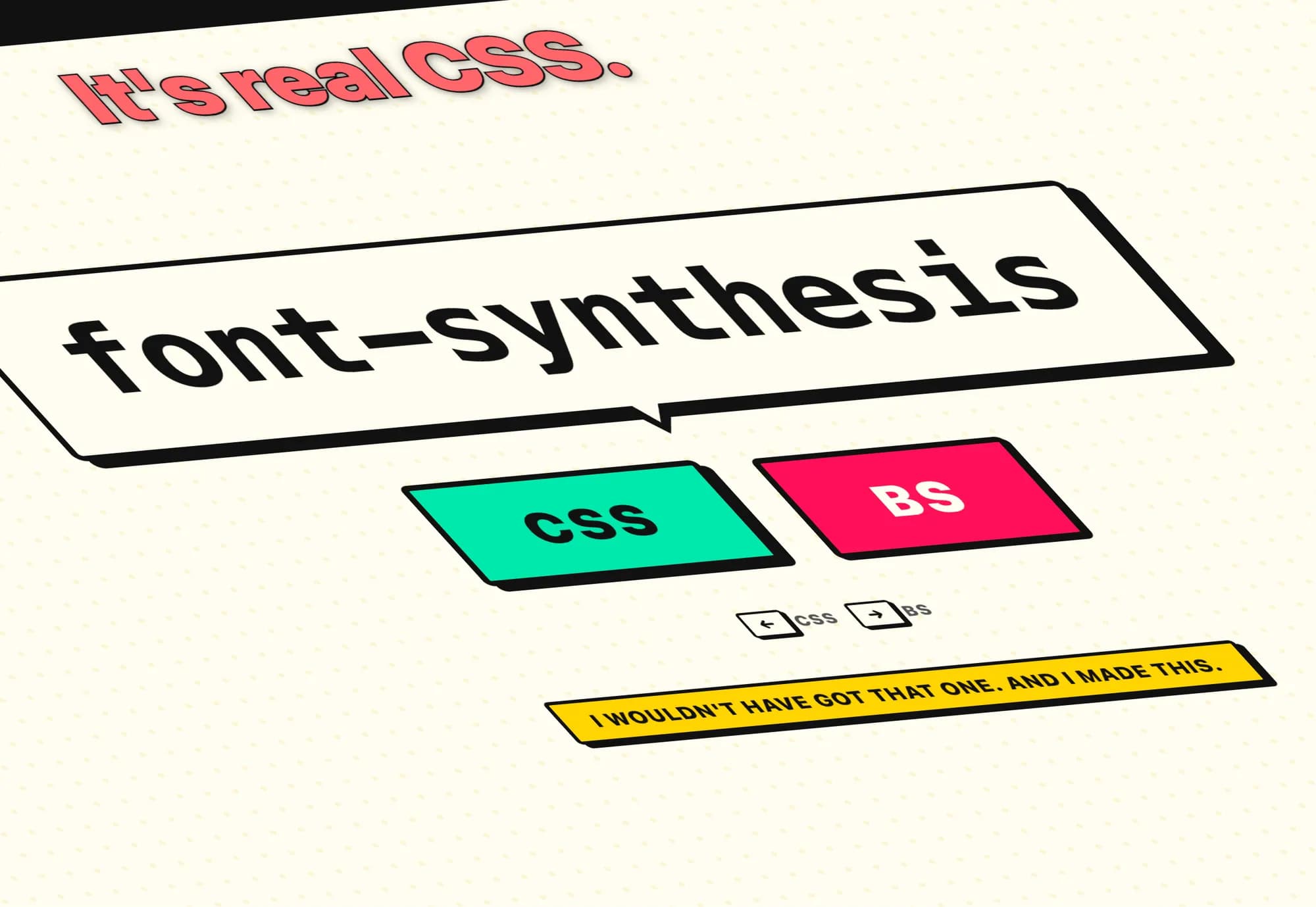
It’s becoming increasingly difficult to keep up with all of these new CSS features. I attempted way too many rounds of Keith Cirkel’s new CSS or BS? quiz, and my best score was only 18/20. Sad times. Let me know your score in the comments (unless it’s higher than mine…).
Source: CSS-Tricks